
Hardware Keys
Hardware Keys
The Hardware Keys tab lists the keys defined for this Device Model. Each row shows the key itself, the number of Devices you expect it to serve, and how many Devices have registered with it so far.
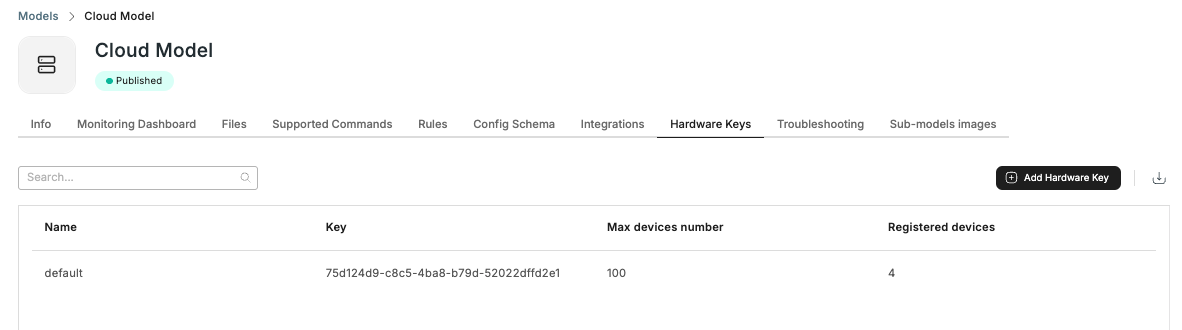
Click Add Hardware Key to create one. Use a separate key per production batch, and reconcile its Registered devices count against the number of units you actually built — a higher count is the earliest sign a key is being used somewhere it should not be.
The expected number is for your own reconciliation only. Registration and claiming are never blocked when a key's Registered devices go past it, and going past it does not send you a notification, so check this column yourself.
Keys cannot currently be edited or removed from this tab. To have a key disabled — because its batch is complete, or because you suspect it leaked — contact [email protected]. Devices that already registered with that key keep working normally.
See Hardware Keys for key safety, the patterns for getting a key onto a Device, and what to do if a key leaks.
Updated 20 days ago