
Model Info
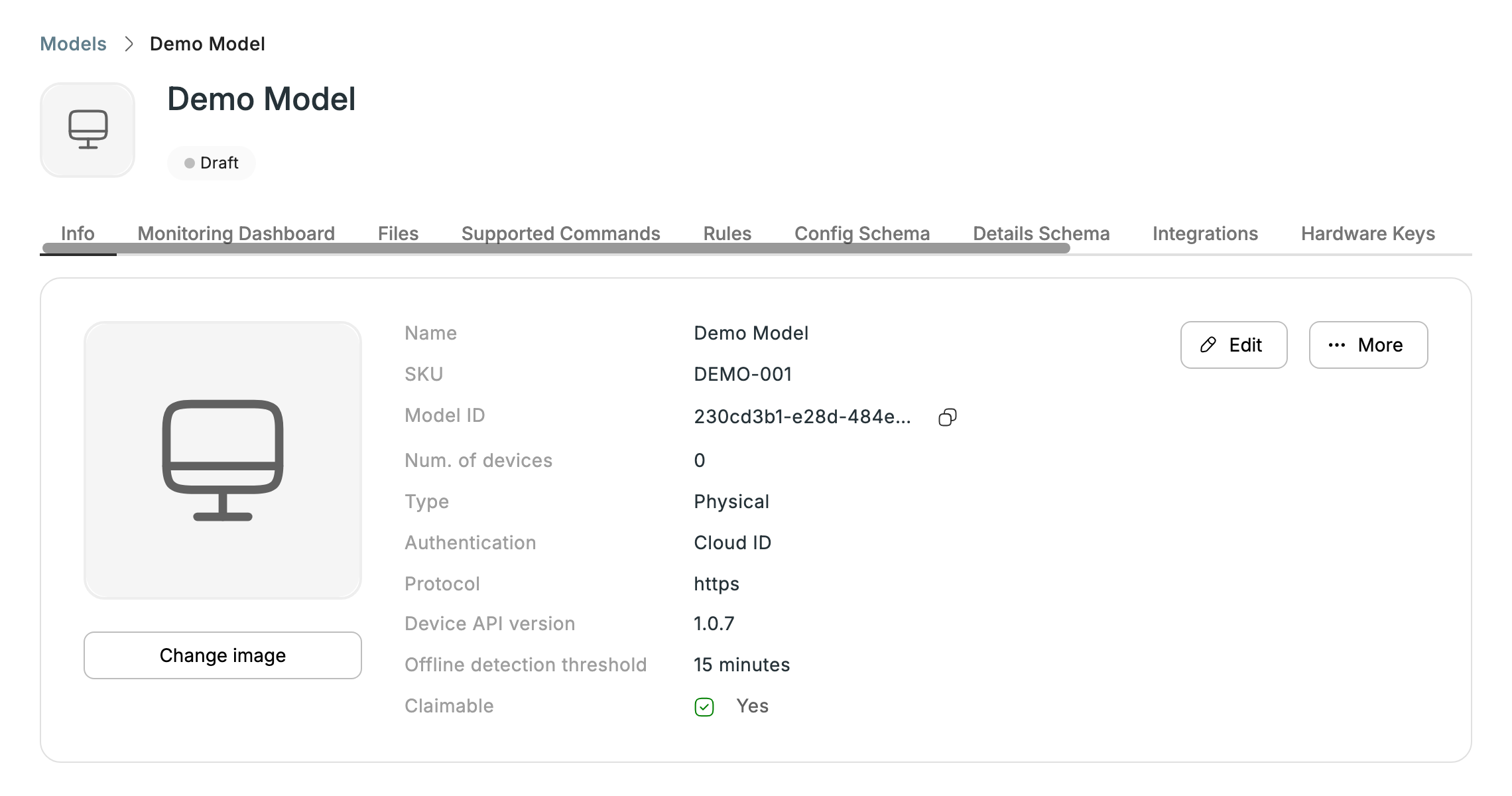
The Info tab shows a model's key attributes at a glance:
- Name, SKU, and Model ID.
- Num. of devices using this model.
- Type (e.g. Physical), Authentication (e.g. MAC & Serial Number, or Cloud ID), and Protocol (e.g. https).
- Device API version.
- Offline detection threshold — minutes without data before a device is marked offline.
- Claimable — whether the model can be claimed by customers.
Use Change image to set the model's icon. A model can be in Draft or Published state:
- Draft — the default for a new model. Only your own Lab Accounts can see and claim it, so you can test it before customers do. Lab Accounts in another Partner Cloud cannot claim it either.
- Published — the model is available to end customers. Publish it from More > Publish on the model page. Publishing can't be undone from the Partner portal.
A model's tabs are: Info, Monitoring Dashboard, Files, Supported Commands, Rules, Config Schema, Details Schema, Integrations, Hardware Keys, Troubleshooting, Sub-models images, and Model Aliases.
Updated 6 days ago