
API Keys
Create and manage the API keys used to access your data programmatically and integrate with third-party services.
The page has two tabs: API Keys, where keys are created and revoked, and Call Log, where you can review the calls made with them.
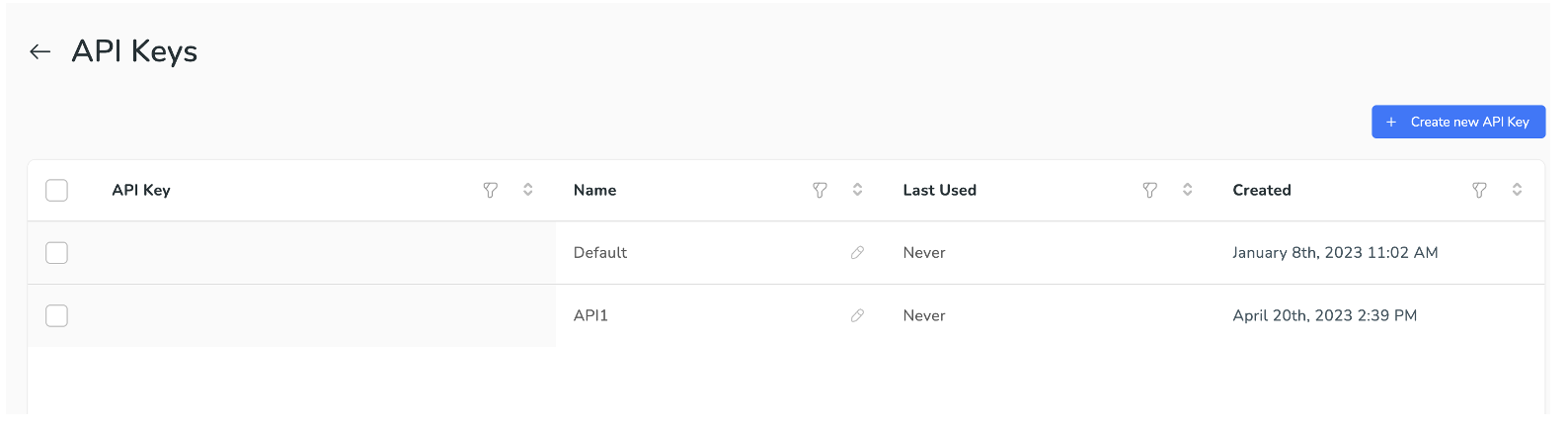
Each key lists its name, last used time, and created date. Use Create new API Key to add one, and remove a key when it's no longer needed. A key is shown in full only when it is created.
The Call Log tab lists the Partner Core API calls made with your keys — what was called, with which key, and how it went. Use it to confirm an integration is reaching Xyte, to see which key a script is using, or to find the failing call behind an error.
| Column | What it shows |
|---|---|
| Date | When the call reached Xyte. |
| API Key | The name of the key used. The name is recorded with the call, so the log stays readable after a key is deleted. |
| Call | The HTTP method and the path that was called. |
| Params | The query and body parameters sent. Hover a row to see the full payload. Sensitive values such as passwords and tokens are stored as [FILTERED], and unusually large payloads are not kept — those rows show Payload too large to store. |
| Origin | CLI for calls made by the Xyte CLI, Direct for everything else — your own scripts, integrations, or a tool such as Postman. Hover the badge for the exact client and version. |
| Status | The HTTP status returned. Green is a success, orange a client error (4xx), red a server error (5xx). |
| Duration | How long the call took to process, in milliseconds. |
Newest calls are listed first. Every column except Params can be sorted and filtered, so you can narrow the list down to a single key, a path, a status code, or a date range.
What the Call Log does not includeOnly authenticated calls are recorded. A call rejected because the key was missing, invalid, or revoked does not appear, since it cannot be attributed to your Partner. Actions taken by users in the portal are not API calls and are not listed here either — those are in Settings → Audit Logs.
Viewing the Call Log requires partner admin access.
Updated about 2 months ago